10 Calculator Online Free Tools for Every Task
Compare 10 calculator online free tools for math, graphs, finance, health, conversions, and more. Find the right option and use it instantly.
Written by Devnitys Team
You search for “calculator online free” because you need an answer now, but the results rarely solve the same kind of problem. One tool handles quick arithmetic, another expects a scientific expression, and a third is built for graphing, finance, health, or engineering reference work. Choosing the wrong one wastes time and can leave you with a result you can't easily verify.
This roundup compares ten browser-based calculator tools by input style, depth, audience, and practical use. The list covers general-purpose calculators, scientific work, graphing, applied calculations, and technical reference. You can use it to choose a tool immediately, without signing up or downloading software. The recommendations focus on the capabilities and limitations described for each resource, so the selection cues stay practical rather than speculative.
The demand for quick web calculation remains strong. One calculator site recorded 71,875 hits, 48,600 page views, and 14,553 visits in June 2025, while its August 2025 traffic included 83,252 hits and 64,911 page views (site traffic records). The right choice depends less on finding the tool with the longest feature list and more on matching the calculator to the task in front of you.
1. Desmos Graphing Calculator by Devnitys
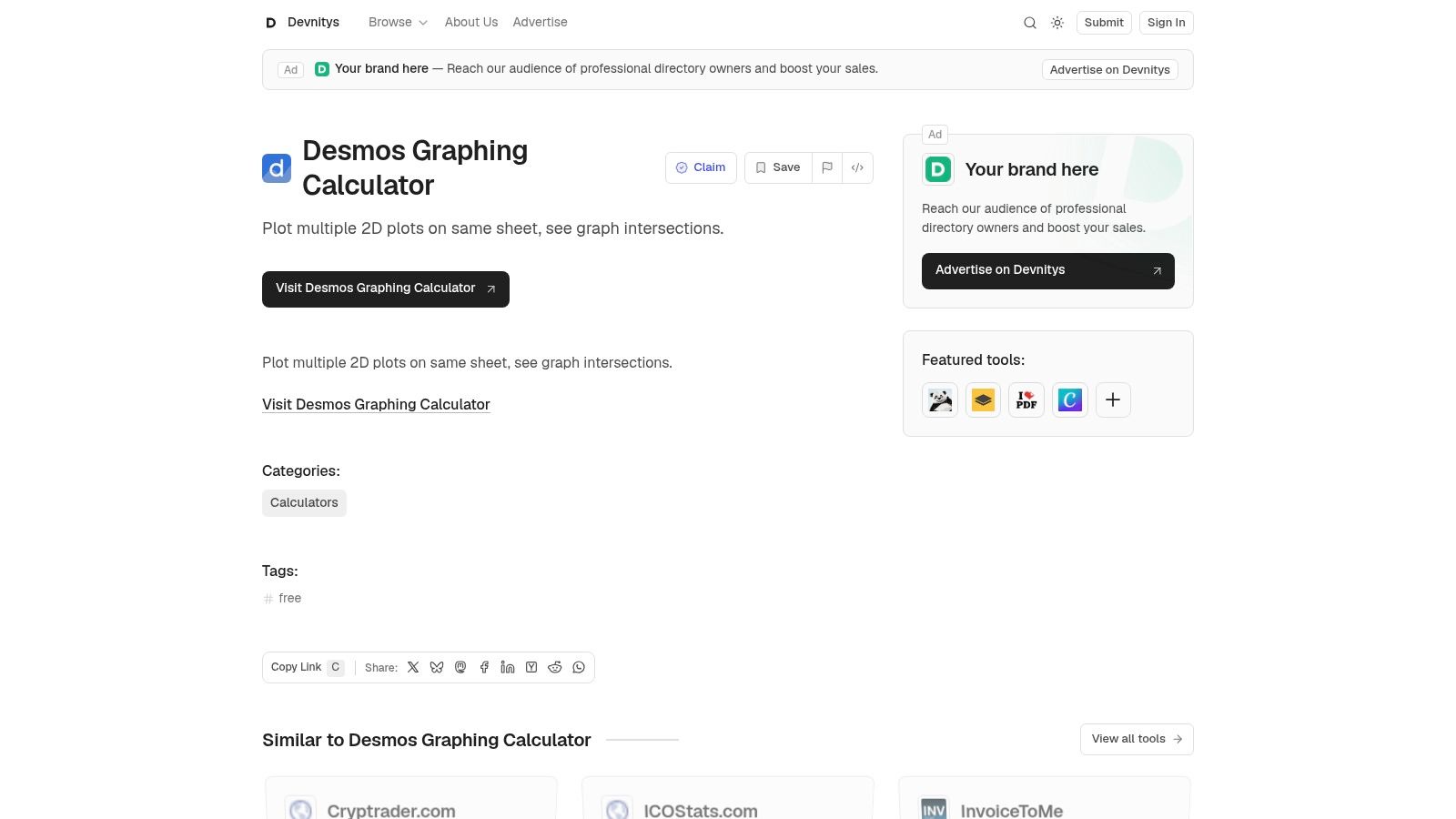
Choose the Desmos Graphing Calculator listing on Devnitys when your problem is visual rather than purely numerical. The listing points you directly to Desmos, a free browser-based graphing calculator that lets you plot multiple 2D graphs on one sheet and locate intersections quickly. That makes it a strong starting point for students checking algebra, educators preparing demonstrations, and makers testing relationships between variables.
The main advantage is immediate access. You don't need to install desktop software or create an account before opening the calculator, and the browser format removes friction when you move between a laptop, tablet, or another modern device. Devnitys adds value as a curated discovery layer, especially if you're comparing graphing with other free productivity, developer, or calculator tools.
Best use scenario
Use this option for functions, intersections, visual comparisons, and classroom-style graph exploration. Enter expressions, place them on the same coordinate plane, and inspect where their curves meet. It's much more suitable for visual math than a basic keypad calculator.
Selection cue: Pick the Devnitys listing when you want a direct route to 2D graphing without searching through a broad directory first.
Limitation and trade-off
The Devnitys page links out to Desmos rather than hosting tutorials or embedding the calculator itself. The tool is focused on 2D graphing, so you'll need another resource if your assignment requires 3D plotting or offline use. That narrow focus is also its strength. You reach the graphing workflow quickly instead of navigating through unrelated financial or conversion features.
2. Calculator.net
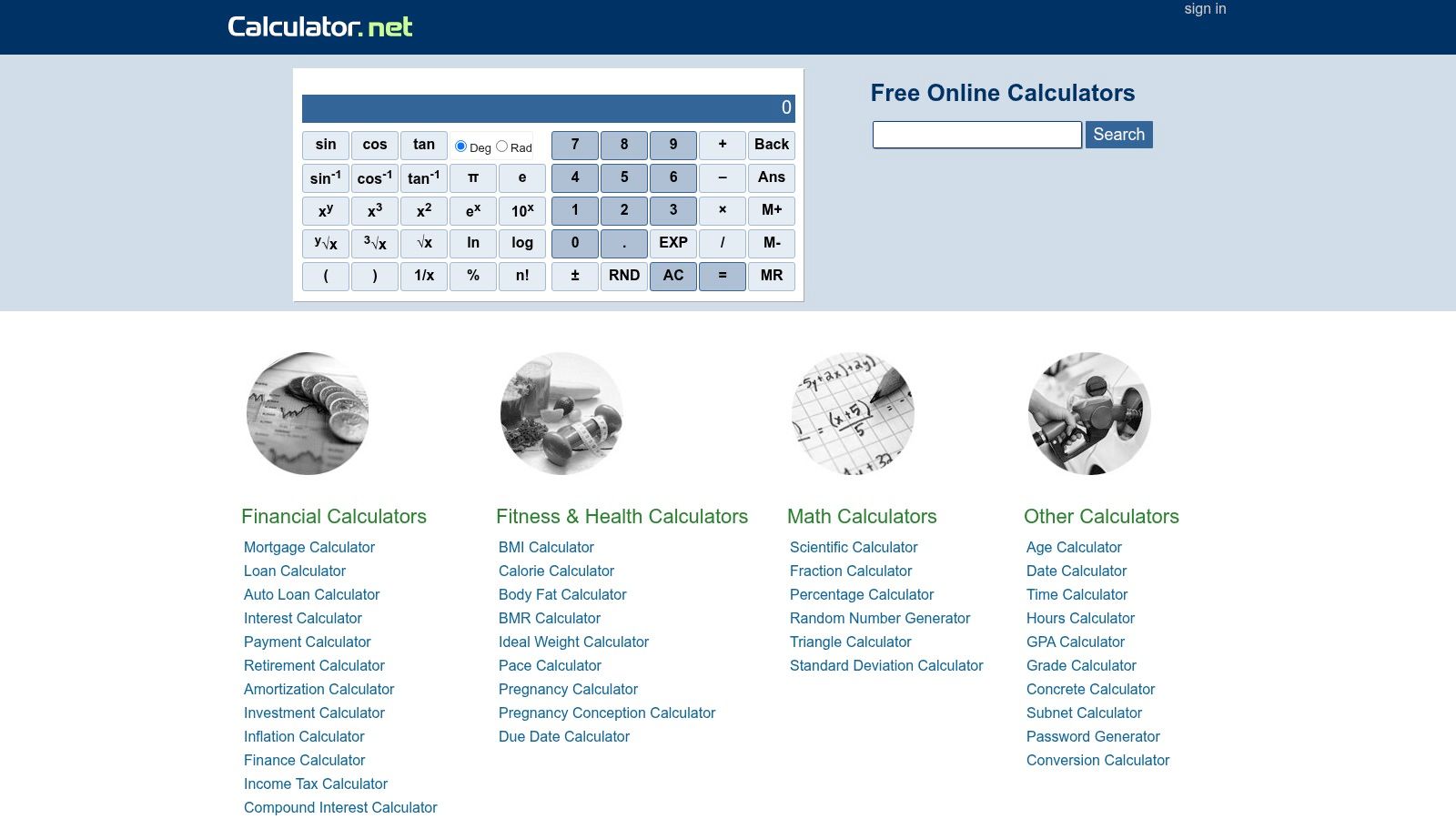
Calculator.net is the clearest choice for broad everyday coverage. It combines an in-browser scientific calculator with a large collection of task-specific tools for math, finance, health, conversions, and related needs. If you don't know the exact calculator type you need yet, this hub gives you a practical place to start.
The scientific calculator supports trigonometric, logarithmic, and exponential functions, while integrated unit converters connect related tasks. You can move from a general calculation to a more specialized tool without signing in, and the pages are designed to load quickly. The interface is utilitarian rather than polished, but that simplicity suits users who want an answer instead of a guided lesson.
Best use scenario
Use Calculator.net for everyday calculations, common finance questions, health-related estimates, and unit conversions. It's especially useful when your task may change as you work. You might begin with a basic calculation, then move into a mortgage, percentage, or conversion page from the same broad library.
For investment-related work, pair the tool with a clear explanation of the inputs and outputs, such as this NPV calculator guide. That helps you understand what the result means instead of treating a displayed figure as self-explanatory.
Limitation and selection cue
The design feels dated compared with newer calculator interfaces, and some tools are generic while others depend on country-specific assumptions. Select Calculator.net when breadth and speed matter more than a modern user experience. For a highly guided niche calculation, Omni Calculator is a better fit.
3. Omni Calculator
Omni Calculator is built for users who need help framing a real-world problem. Instead of presenting only a keypad, it offers domain-specific calculators with guided fields, variable explanations, and supporting documentation. The collection spans marketing, health, physics, finance, and other practical topics, so the experience feels closer to a guided worksheet than a blank arithmetic tool.
That format matters when you're unsure which values belong in the formula. Explanations beneath the calculator clarify what each variable represents, while category navigation and search help you find a specialized tool. Omni also supports mobile apps and lets users favorite or pin tools, which is useful if the same calculation returns regularly.
Best use scenario
Choose Omni for niche, applied calculations where understanding the method matters. A small business owner estimating break-even performance, for example, benefits from a tool that explains the variables rather than requiring a formula from memory. Devnitys also provides a break-even calculator resource for readers working through that type of business question.
Limitation and selection cue
Omni Calculator isn't the best replacement for a general scientific keypad. Coverage and depth vary by topic, so one calculator may provide more explanation than another. Choose it when you want guided inputs and contextual help. If you already know the expression and need fast scientific entry, use Desmos, GeoGebra, or Web2.0calc instead.
4. Desmos
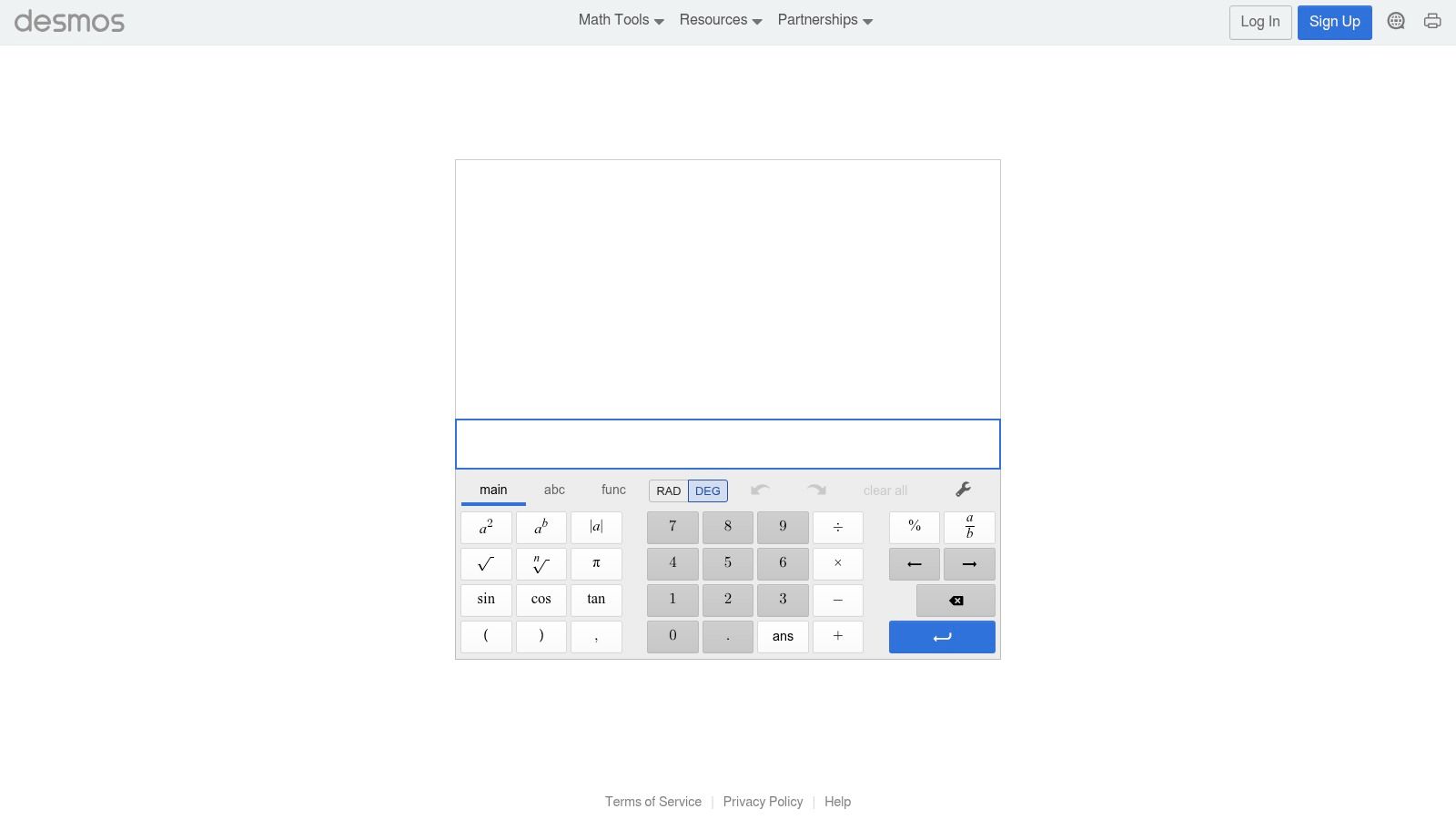
The Desmos Scientific Calculator is the strongest pick for students who want clean mathematical notation without a cluttered interface. It supports scientific functions, degree and radian modes, and fraction display. The keyboard-friendly input works well when you're entering expressions repeatedly on a desktop, while the browser experience also suits mobile use.
Desmos is particularly effective in education because the notation feels familiar. Fractions and expressions appear in a readable mathematical format instead of forcing every calculation into a single-line text field. The Desmos suite also includes separate graphing, geometry, and matrix tools, so students can stay within the same ecosystem when a numerical exercise becomes more visual or structured.
Best use scenario
Use it for school and university scientific calculations, fraction-heavy exercises, trigonometry, and classroom demonstrations. It's a better choice than a generic calculator when you care about readable input and quick correction. No sign-in is required for the core browser calculator.
Practical rule: Use the scientific calculator for evaluating expressions, then move to the separate Desmos graphing tool when the relationship itself needs visual inspection.
Limitation and selection cue
Desmos isn't a computer algebra system. It doesn't provide advanced symbolic manipulation in the scientific calculator, so it won't replace a tool designed to rearrange or transform complex expressions symbolically. Select it for reliable education-focused entry and notation, not for full symbolic algebra.
5. GeoGebra
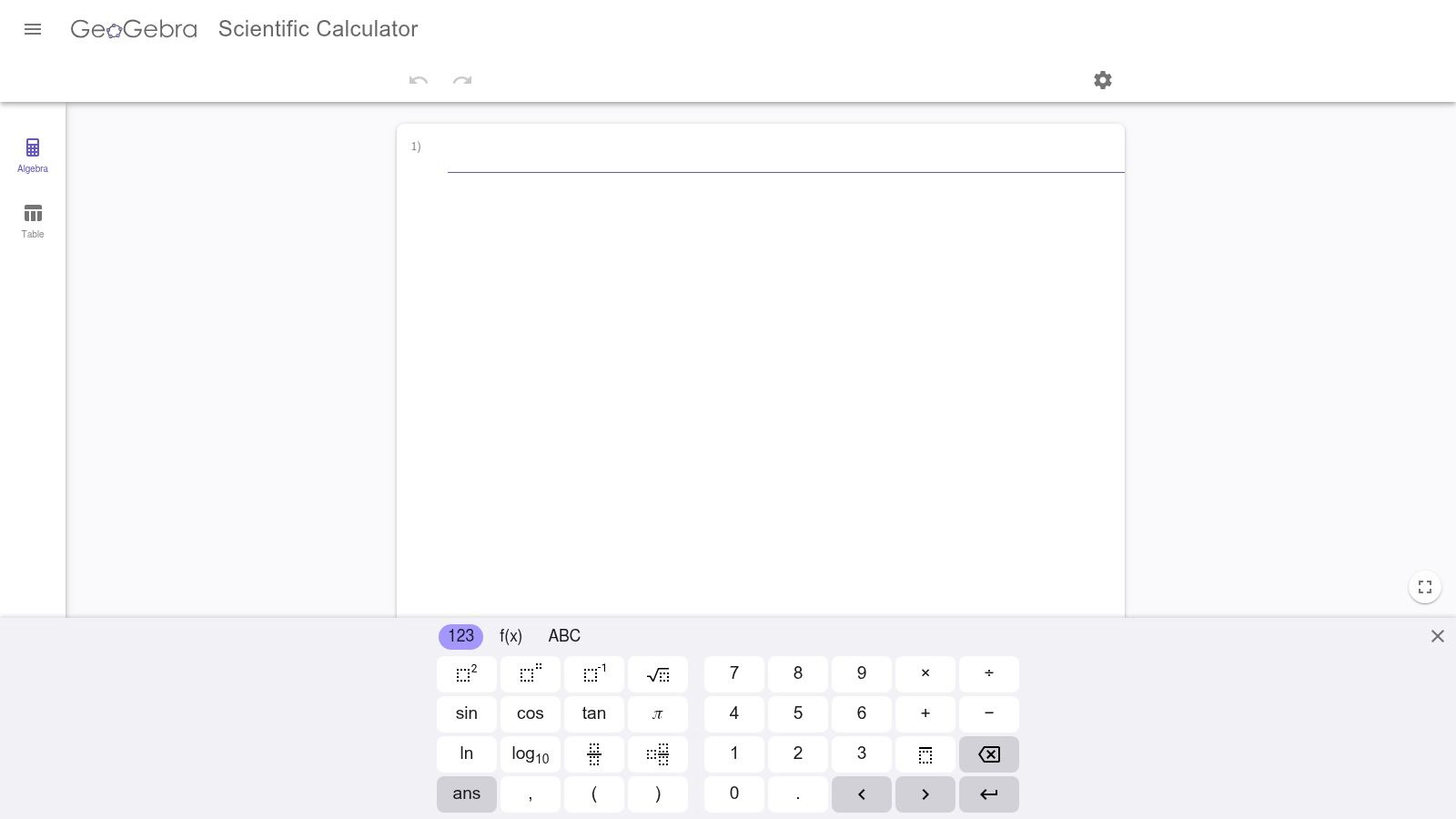
GeoGebra Scientific Calculator makes sense when a scientific calculation is part of a larger mathematics workflow. The browser tool handles fractions, statistics, and exponents, while the wider GeoGebra ecosystem connects users to graphing, geometry, and computer algebra tools through other apps. You can start with a focused calculation and move into richer exploration when the task expands.
Its education-oriented design keeps the interface approachable. The web and app options make it practical across devices, and the consistent ecosystem is valuable for teachers and learners who use more than one type of mathematical representation. GeoGebra is less about being the most powerful standalone keypad and more about providing a connected path from calculation to visualization and symbolic work.
Best use scenario
Choose GeoGebra for education, statistics exercises, geometry-related work, and math exploration that may later require graphing or CAS functions. It's a particularly good fit when you want the scientific view today but expect to use related GeoGebra tools later.
Limitation and selection cue
The standalone scientific view is focused. Some advanced functionality lives in other GeoGebra apps, so you may need to change tools rather than finding every feature in one screen. Select GeoGebra when ecosystem integration matters. Use Desmos when your priority is a more direct scientific or 2D graphing experience.
6. Wolfram|Alpha
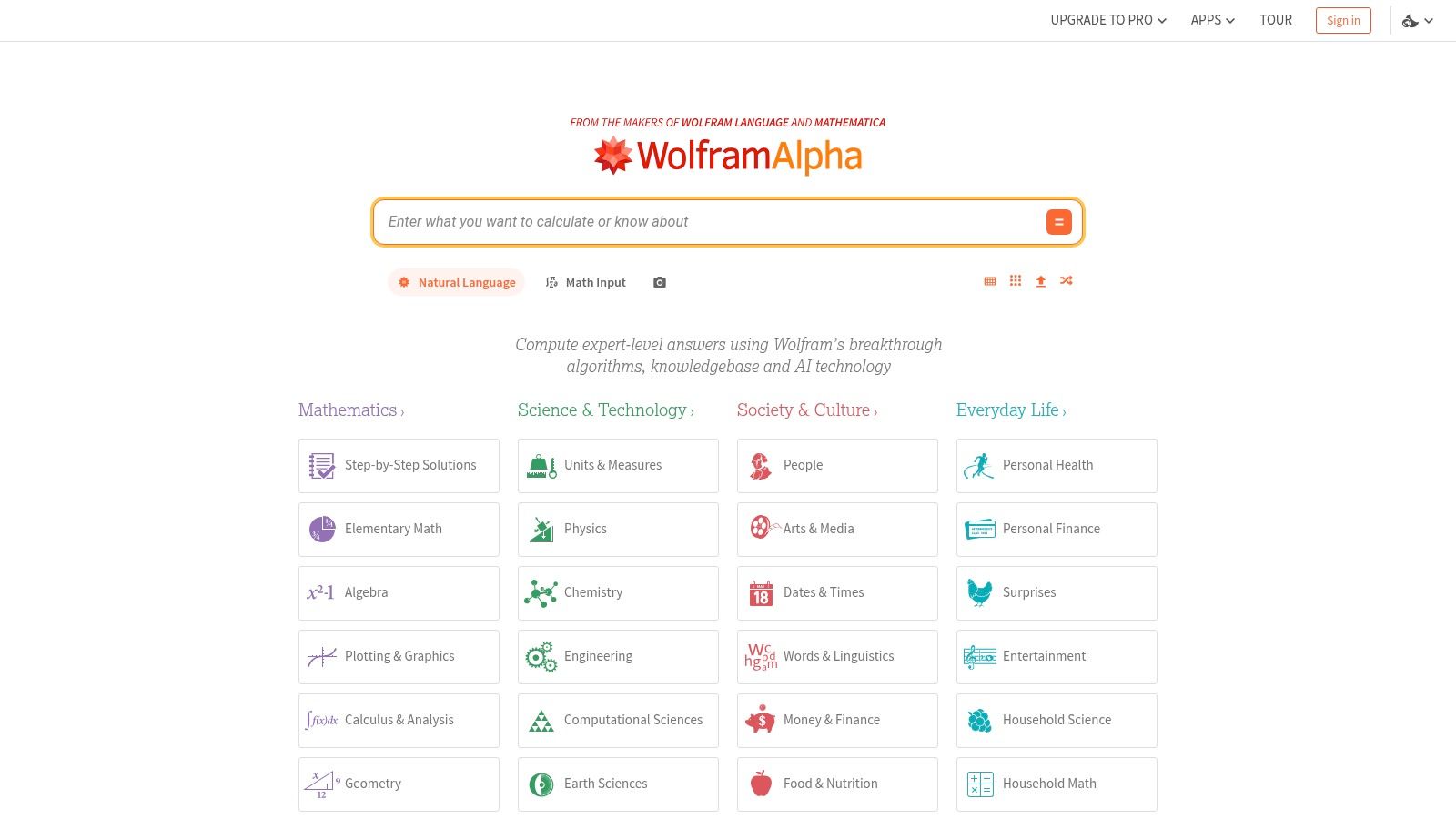
Wolfram|Alpha is the best option on this list for free-form computational questions. You can enter a mathematical expression or describe a calculation in plain language, and the service can return computed results, plots, alternate forms, and information across mathematics, statistics, units, and data. That makes it useful when your question doesn't fit a conventional keypad.
The input style is the major differentiator. You don't have to remember the exact sequence of buttons or build every expression manually. Wolfram|Alpha can handle complex expressions and mixed units, which helps when a calculation crosses more than one mathematical or scientific context.
Best use scenario
Use it when you need to ask a question naturally, test a complex expression, compare forms, or explore a result visually. It's also relevant for developers and educators who need broader integrations, including APIs and Notebook connections. If you're exploring how newer computational tools fit into a larger workflow, Devnitys' guide to free online AI tools offers related discovery.
Limitation and selection cue
The free tier doesn't include every capability. Step-by-step solutions and extended features require a Pro subscription, and some advanced functions may be restricted. Choose Wolfram|Alpha for free-form input and broad computational coverage, not when you specifically need unrestricted worked solutions.
7. Calculator Soup
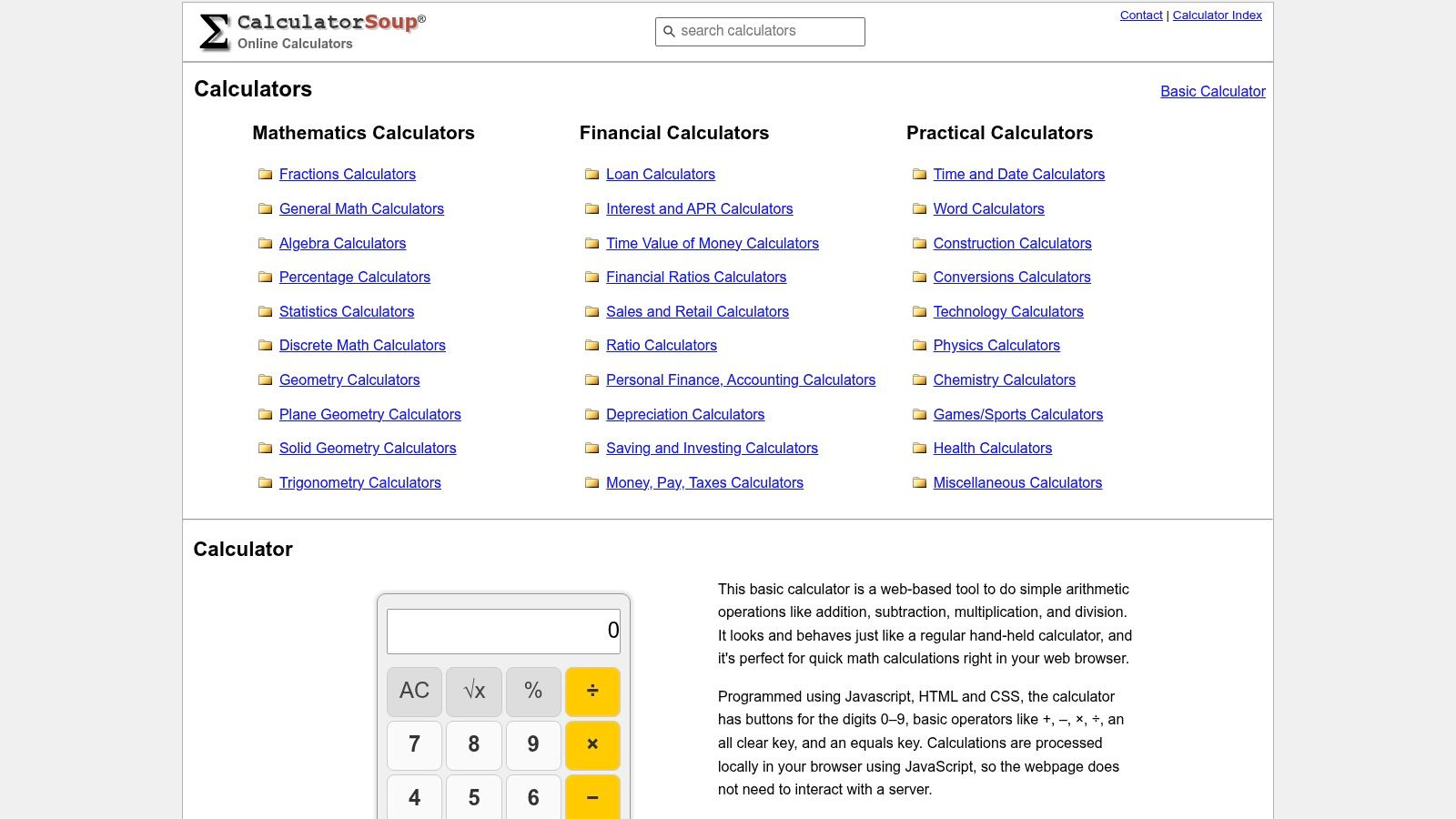
Calculator Soup suits practical work where someone else needs to inspect your result. Its collection covers math, finance, statistics, dates, time, and other applied tasks. The site also provides methodology notes and help pages, so you can review how a calculation works instead of copying a number with no context.
The standout feature is result sharing. Shareable links can preserve inputs and results, which makes the tool useful for collaboration, review, tutoring, and client communication. A colleague can open the same calculation and see what values produced the result, rather than relying on a screenshot or manually re-entered figures.
Best use scenario
Pick Calculator Soup for applied calculations that need an audit trail or easy handoff. It's a strong choice for a freelancer explaining a finance result to a client, a student sharing work with a teacher, or a team reviewing date and statistics calculations.
Limitation and selection cue
The interface is simple and utilitarian. It also offers fewer advanced scientific and computer algebra functions than specialist platforms such as Wolfram|Alpha or the broader GeoGebra ecosystem. Choose it when transparency and sharing beat advanced symbolic power.
8. RapidTables
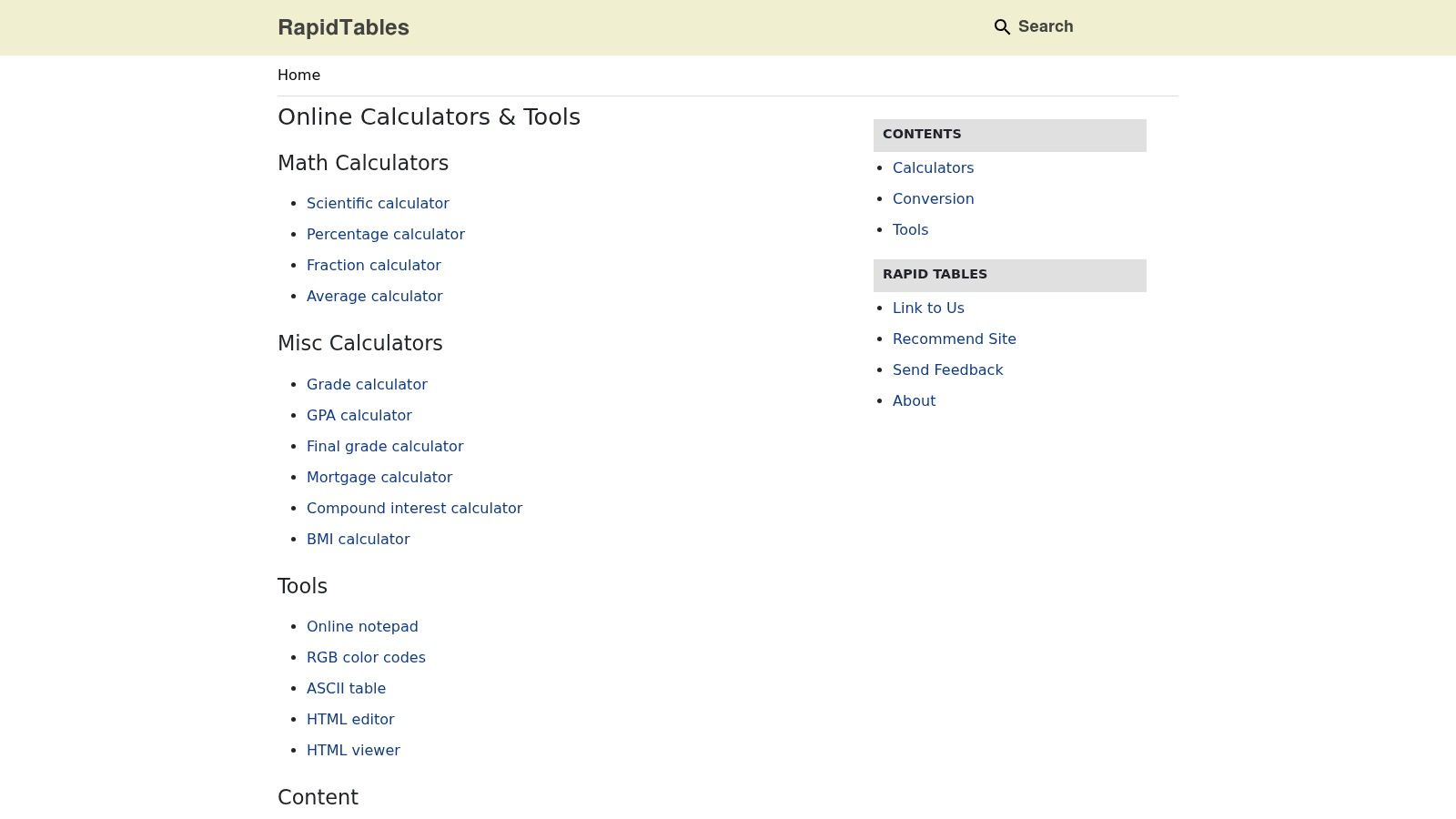
RapidTables is a utility cabinet for engineers, developers, makers, and anyone who needs more than a calculator. It includes an in-browser scientific calculator, unit converters, engineering tables, and non-math utilities covering text, PDF, color, and code tasks. That combination makes it useful when a calculation is only one step in a technical workflow.
Use RapidTables when you need to check a conversion, look up an engineering reference, or switch between a calculator and another small utility without opening several unrelated sites. Its pages are lightweight and don't require sign-in, which supports quick reference work during troubleshooting or development.
Best use scenario
Choose RapidTables for unit conversions, electronics-related calculations, engineering references, and mixed technical tasks. It's especially useful for makers and developers who need a quick lookup alongside a scientific calculation.
Limitation and selection cue
The interface is deliberately spartan, and documentation quality varies across the tool library. This isn't the platform to choose for polished educational guidance or a modern visual workspace. Select it when speed, breadth of technical references, and no-sign-in access matter most.
9. Web2.0calc
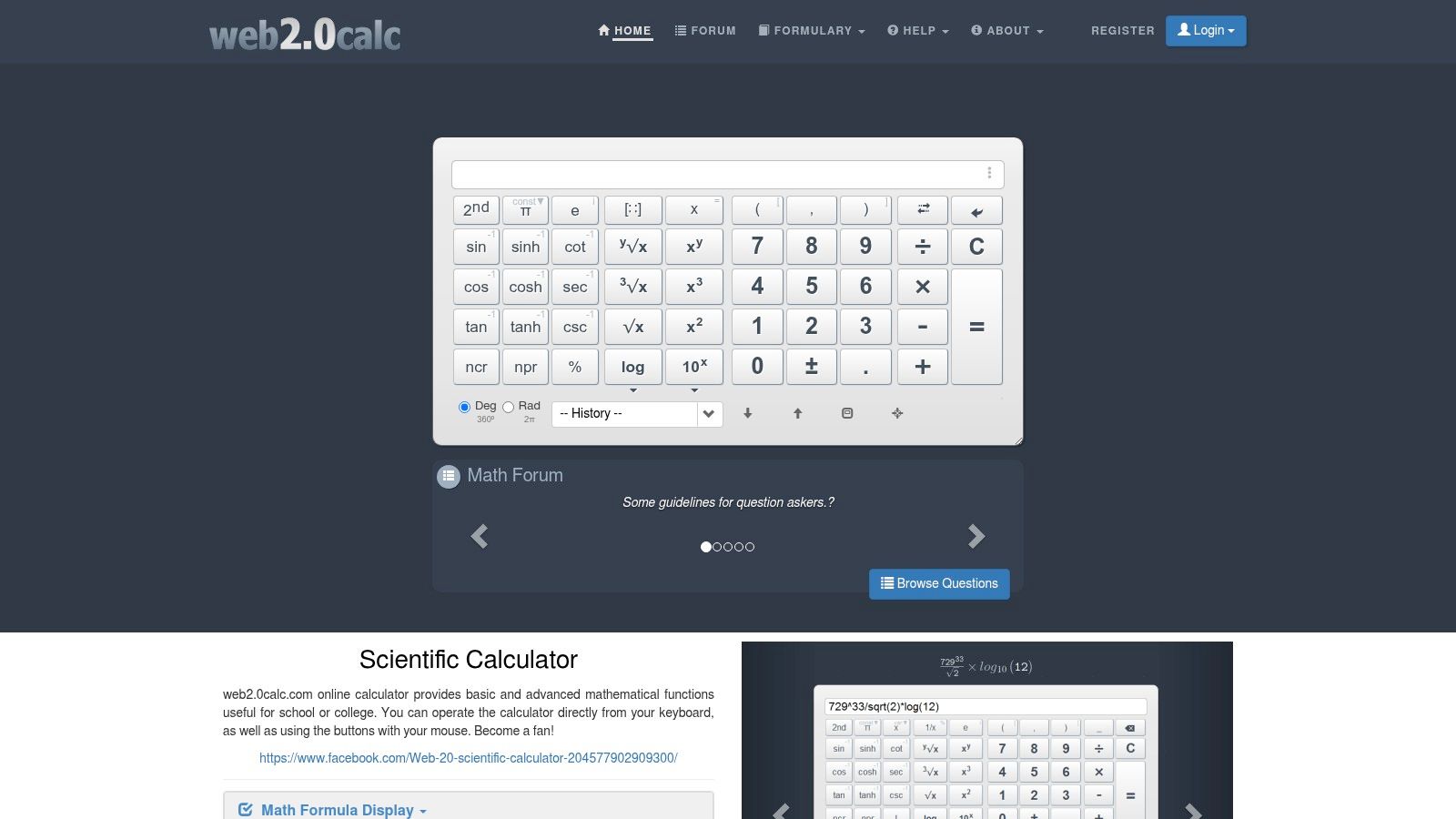
Web2.0calc is the practical choice for keyboard-first scientific entry. It supports trigonometric, logarithmic, and exponent functions, displays formulas clearly, and offers keyboard shortcuts for fast input. It also includes an equation solver, simple graphing, large-number support, and minimal widgets that site owners can embed elsewhere.
That combination gives it two distinct audiences. Learners can use the equation and graphing functions for straightforward exploration, while publishers or developers can use the embeddable calculator option when they want a drop-in utility on another site. It doesn't try to compete with Desmos as a full graphing environment, and that keeps the primary calculation workflow quick.
Best use scenario
Use Web2.0calc for repeated scientific calculations, keyboard-driven work, basic equation solving, or embedding a simple calculator widget. It's a better match than a guided calculator when you already know the formula and want to enter it efficiently.
Limitation and selection cue
Its graphing and interface are more basic than Desmos or GeoGebra. Ads can also affect the page experience. Pick Web2.0calc when fast entry or embeddability is more important than polished visualization.
10. Calculator.com
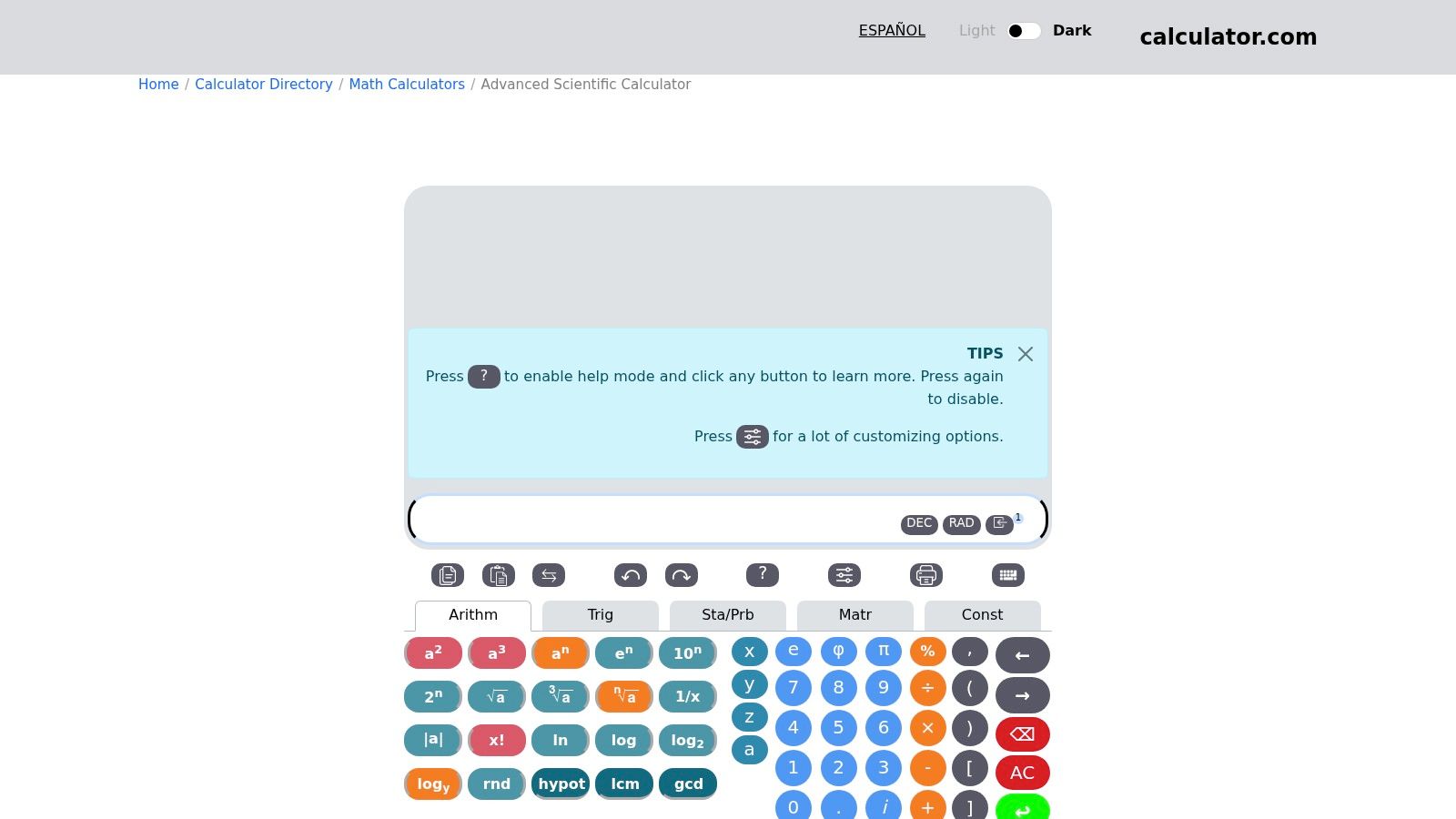
Calculator.com Scientific Calculator is designed like a worksheet rather than a one-off keypad. You can work across multiple rows, reuse linked results, plot expressions containing x, perform matrix operations, and access statistics and probability functions. A searchable constants browser adds technical reference value when you need a scientific constant during the same calculation.
This structure works well for multi-step work. Instead of clearing the screen after each answer, you can retain intermediate results and build a sequence that remains readable. Inline help for buttons and functions also reduces the need to remember every operation before you begin.
Best use scenario
Choose Calculator.com for chained calculations, iterative work, expression plotting, matrix operations, and lightweight calculation documentation. It's a strong fit for users who want to preserve the logic of a calculation rather than record only the final number.
Limitation and selection cue
The worksheet model has a learning curve. If you need one immediate arithmetic answer, it may feel more involved than Calculator.net or a basic scientific tool. Select Calculator.com when reusable rows and linked results are central to the task.
Top 10 Free Online Calculators Comparison
| Tool | Core features ✨ | UX / Quality ★ | Price / Value 💰 | Best for 👥 |
|---|---|---|---|---|
| Desmos Graphing Calculator – Devnitys 🏆 | ✨ Curated Devnitys listing + Direct CTA to Desmos; 2D graphing & intersections | ★★★★☆ (easy discovery) | 💰 Free, no signup | 👥 Students, educators, makers |
| Desmos | ✨ Scientific calc + graphing, geometry, matrix tools | ★★★★★ (keyboard-friendly, education-grade) | 💰 Free | 👥 Students & teachers |
| Calculator.net | ✨ In-browser scientific calc + hundreds of task-specific calculators & converters | ★★★☆☆ (very fast, utilitarian) | 💰 Free (ad-supported) | 👥 General users, finance & conversions |
| Omni Calculator | ✨ Thousands of guided calculators with clear docs; mobile apps & favorites | ★★★★☆ (modern UI, strong explanations) | 💰 Free | 👥 Niche professionals, students |
| GeoGebra | ✨ Scientific calc with seamless path to graphing & CAS in the GeoGebra suite | ★★★★☆ (edu-focused, integrated) | 💰 Free | 👥 Educators, learners |
| Wolfram|Alpha | ✨ Free-form natural-language math + rich plots, APIs & Notebook support | ★★★★☆ (powerful; pro features gated) | 💰 Free tier; Pro paid | 👥 Researchers, developers, advanced students |
| Calculator Soup | ✨ Practical calculators with methodology notes & shareable result links | ★★★☆☆ (stable, transparent) | 💰 Free | 👥 Practitioners, reviewers |
| RapidTables | ✨ Scientific calc + converters, engineering tables & assorted utilities | ★★★☆☆ (spartan but fast) | 💰 Free | 👥 Engineers, makers, devs |
| Web2.0calc | ✨ Keyboard-first scientific keypad, formula display, solver & embeddable widgets | ★★★☆☆ (quick input; basic graphing) | 💰 Free (ad-supported) | 👥 Educators, site owners (embed) |
| Calculator.com | ✨ Multi-row worksheet, inline plots, matrix ops & constants browser | ★★★★☆ (powerful; slight learning curve) | 💰 Free | 👥 Researchers, advanced users, students |
Choose by Workflow, Not by Feature Count
The best calculator online free tool is the one that matches your input style and the kind of result you need to trust. A long feature list won't help if the interface slows down a simple task or hides the assumptions behind an applied calculation.
Use Calculator.net for broad everyday coverage. Its scientific calculator, finance tools, health tools, conversions, and related pages make it the most practical general-purpose hub. Choose Omni Calculator when the calculation is niche or applied and you want guided fields, explanations, and documentation around the variables. For business questions such as break-even analysis, that guided format is more useful than a blank scientific keypad.
Pick Desmos or GeoGebra for education and visual mathematics. Desmos is the direct choice for clean scientific input and 2D graphing, while GeoGebra is better when you want a connected math ecosystem with graphing, geometry, and computer algebra options in related apps. The Devnitys Desmos listing is the fastest recommendation when curated discovery and a direct route to graphing matter.
Use Wolfram|Alpha for free-form computational queries, complex expressions, mixed units, and rich computed output. Its plain-language input makes it the strongest choice when you don't want to construct every expression through a keypad. Select Calculator Soup for applied results that need sharing, methodology notes, or review by another person.
For technical reference work, RapidTables is the clear fit. It combines scientific calculation with converters, engineering tables, and other utilities, so it works well for developers, engineers, and makers. Choose Web2.0calc when keyboard-first input, equation solving, simple graphing, or an embeddable widget matters more than a polished visual interface. Choose Calculator.com for worksheet-style multi-step work, reusable results, inline plots, matrices, statistics, probability, and scientific constants.
Treat financial, health, tax, and country-specific results as estimates that require review. Check the inputs, assumptions, units, and regional context before relying on a result for a consequential decision. A calculator can process the information you provide, but it can't correct an unsuitable tax jurisdiction, an outdated health assumption, or a missing variable.
The broader market also shows why specialized tools deserve attention. A market projection estimates that calculator apps could grow from about USD 1.2 billion in 2025 to USD 1.9 billion by 2034, with a projected 5.8% CAGR (calculator-app market projection). Another retrieved source reports that 45% of users prefer browser-based calculators over native operating-system apps, while financial calculators account for 30% of online calculator traffic (browser calculator usage patterns). Those signals support a simple conclusion: people continue to choose fast, focused web utilities for specific jobs.
Save the tool that fits your recurring workflow instead of defaulting to the most feature-heavy option. If you graph functions every week, keep Desmos ready. If you review conversions and technical references, use RapidTables. If you share applied results, use Calculator Soup. Your best calculator is the one you can open quickly, operate correctly, and verify with confidence.
Devnitys curates free online tools for calculators, PDFs, images, text, SEO, developers, and productivity, with clear descriptions and direct access for everyday tasks. Visit Devnitys to find and compare a calculator that fits your workflow without signups or downloads.
